
WiFi Internet in Charlotte, NC
Most bad WiFi isn't a bad router problem — it's an access point placed wherever was convenient instead of wherever the signal actually needed to go. American Broadband Networks designs, surveys, installs, and manages WiFi networks for homes, businesses, and multi-tenant properties across Charlotte, NC, starting with testing the space before we ever mount an access point, not after.
What Actually Kills WiFi Signal
Distance
Signal strength drops the farther a device is from the access point.
Building Materials
Concrete, brick, and metal studs block or weaken a signal far more than drywall does.
Interference
Nearby networks and devices on the same channel compete for the same airspace.
Too Few Access Points
One access point covering a footprint it was never meant to cover.
Convenience-Based Placement
Mounted near an outlet or a ceiling tile that was easy to reach, not the spot that actually covers the room.
Most of these are fixable — but only if someone identifies which one is actually causing the problem, rather than guessing.
WiFi Survey: Testing Before Installing
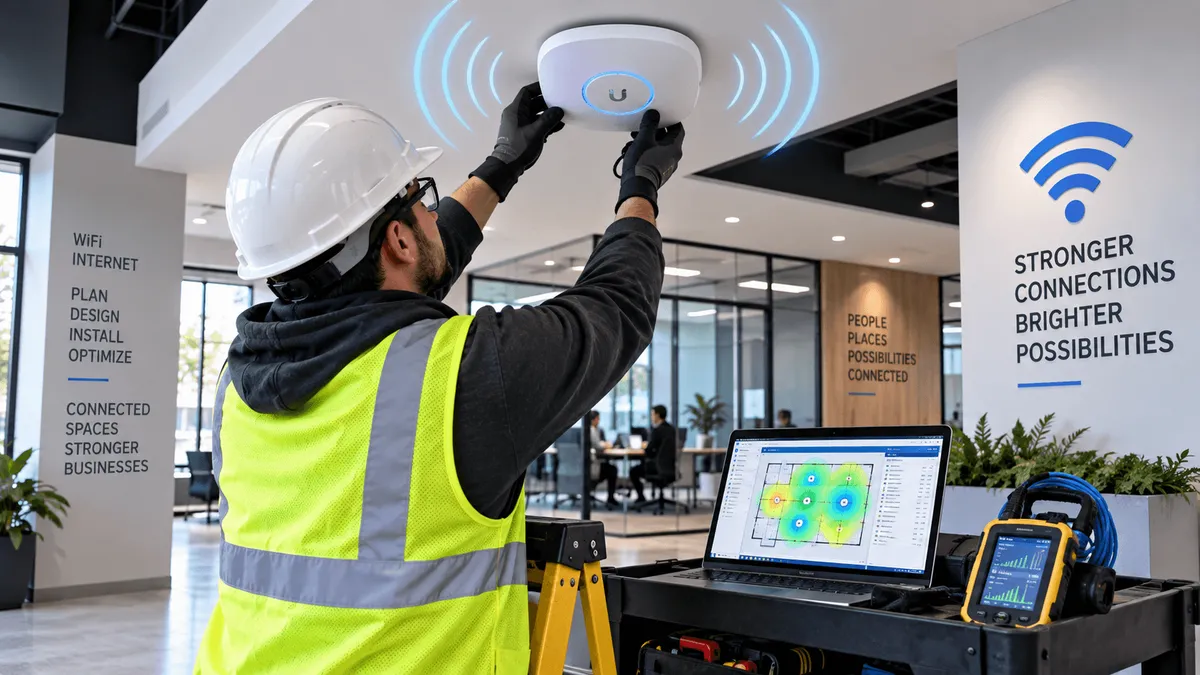
Before we install anything, we survey the space using equipment that measures how signal actually behaves across the property — not how it's assumed to behave on paper.
Test Penetration
Measure how signal travels through the specific walls and materials in your building.
Find Dead Zones
Identify weak or uncovered areas before a single access point is installed.
Find Optimal Locations
Determine the access point locations that will genuinely provide full coverage.
This is the step most WiFi installs skip. An access point mounted somewhere convenient might work fine in an open room and fail completely two walls away — a survey catches that before installation, not after a complaint call.
From Survey to Installation
Survey
Measure real signal behavior throughout the building.
Identify
Determine the optimal access point locations for reliable coverage.
Install
Run new cable directly to the locations the survey actually calls for.
Once we've identified the optimal access point locations, we don't compromise on placement because of where existing wiring happens to be — we run new cable to the locations the survey actually calls for.
That's the difference between a WiFi network built around your building's real signal behavior and one built around whatever cable was already in the wall.
What's Included
Site Survey
Testing the property to identify dead zones and optimal access point locations.
Cabling
Running cable to the access point locations the survey identifies.
Equipment Installation
Mounting, powering, and connecting access points, switches, and routers.
Network Configuration
Setting up secure networks, guest access, and device segmentation as needed.
Management
Ongoing support and troubleshooting once the network is live.
Who This Is For
Offices and Businesses
Open floor plans, conference rooms, and multi-story layouts that need consistent coverage throughout.
Apartment and Multifamily Properties
Bulk or managed WiFi across shared buildings, riding on the same network instead of unit-by-unit setups.
Warehouses and Large Facilities
Large footprints and metal-heavy construction that make signal placement especially difficult to get right without testing first.
FAQs on Fiber Optics Installation
What is a WiFi survey, exactly?
It's a test of how signal actually travels through your specific space — identifying dead zones and the optimal access point locations before any equipment is installed.
Do I need a survey if I only have a small space?
Smaller spaces are less likely to need multiple access points, but materials and layout still affect signal — a quick survey confirms placement even for a single-access-point setup.
Can you run new cable if the ideal access point location doesn't have existing wiring?
Yes — we run cable to the locations the survey identifies rather than limiting placement to existing wiring.
Do you handle ongoing WiFi support after installation, or just the initial setup?
Both. We install the network and remain available for ongoing management and troubleshooting.
Can you set up bulk WiFi for an apartment community?
Yes — we design and install shared WiFi networks for multifamily and multi-tenant properties.
How do I get a quote for a WiFi project?
Call (336) 210-5445 or submit a request through our contact form, and we'll schedule a site visit and survey.
Get Connected with American Broadband Networks Today!
Coverage based on how your space actually behaves, not a guess.
Leave us your info
Our Services
Helpful Links
Contact Information
Phone: (336) 210-5445
Email: [email protected]
Business Hours:
Mon - Fri : 8:00AM - 5:00PM
Sat - Sun : Closed
© 2026 All Rights Reserved | American Broadband Networks
Website Done By: LocalEyes